
THE INDOOR GOLF FIELD GUIDE
01 / THE ROOM COMES FIRST
Carl’s Place.
A room for your game.
Screen materials, enclosure choices and room measurements for a home golf simulator.
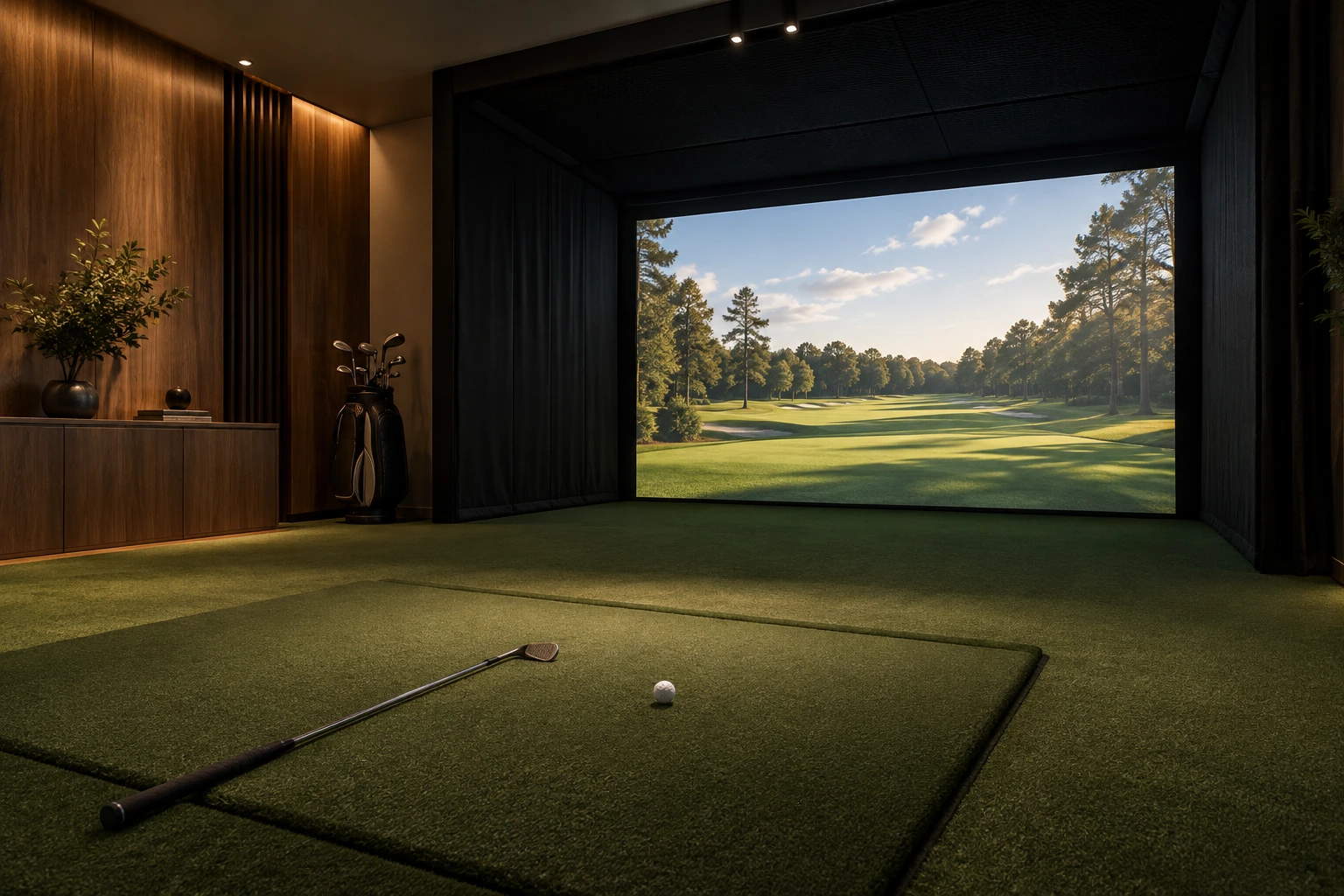
THE BUILD ORDER
Room → enclosure → screen → technology
MEASURE
BEFORE
YOU BUILD
01 Match the screen to the frame
02 Check what the kit includes
03 Leave room for a full swing
01 / THE SELECTION
Related products.
Different ways to build.
These GoSports products are alternatives from another brand, available through Amazon. They are not Carl’s Place products or confirmed replacements for Carl’s Place frames.
FRAME + SCREEN
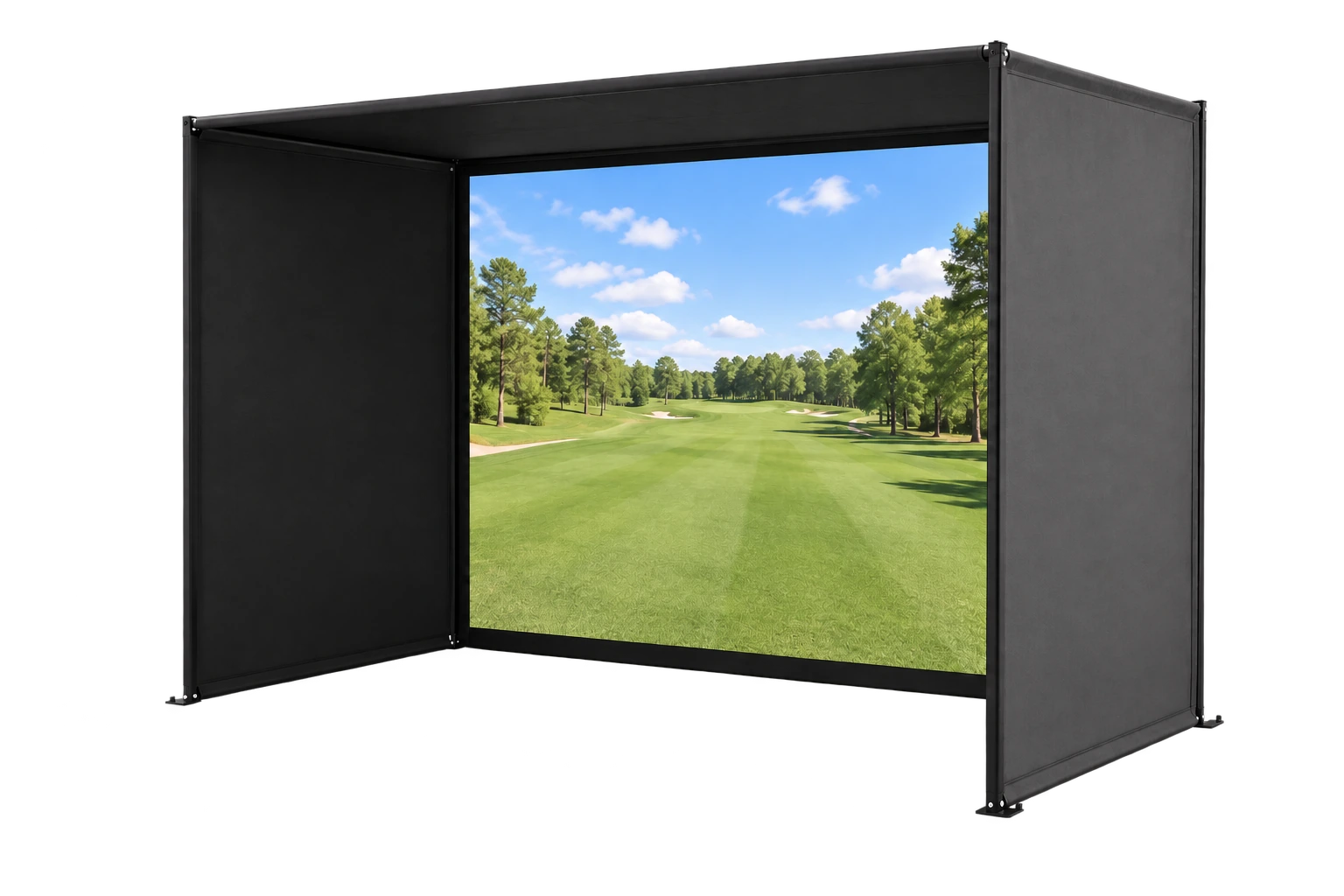
GOSPORTS / ENCLOSURE
Simulator Enclosure
A steel-frame enclosure with an impact screen, side and roof coverings, and foam padding. Projector and launch monitor are separate.
For a dedicated indoor bay
SCREEN ONLY
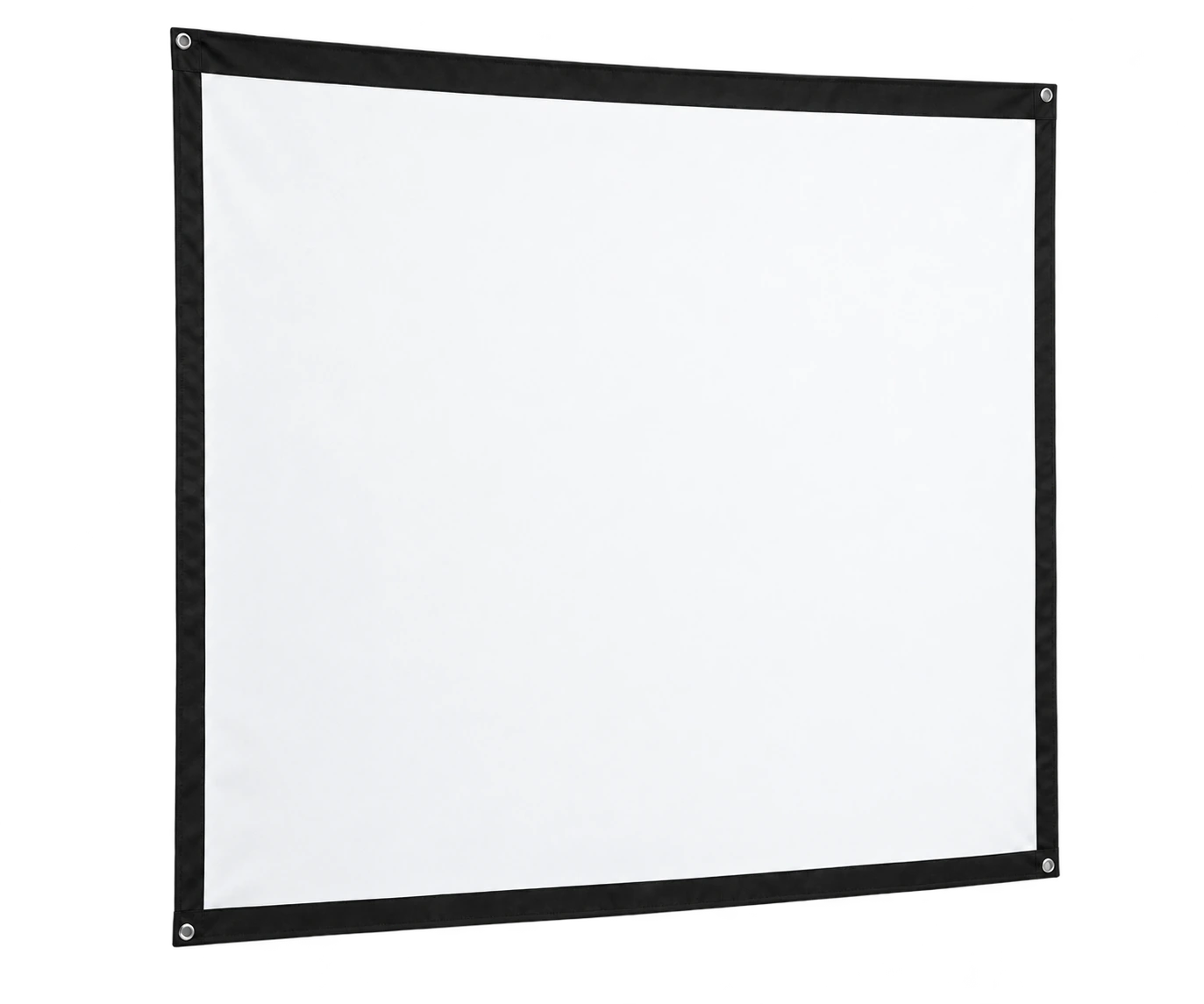
GOSPORTS / COMPACT SCREEN
Compact Impact Screen
A nearly square impact screen for the matching GoSports ELITE net, sold separately. Confirm the exact net model and corner attachments.
Nearly square format
SCREEN ONLY
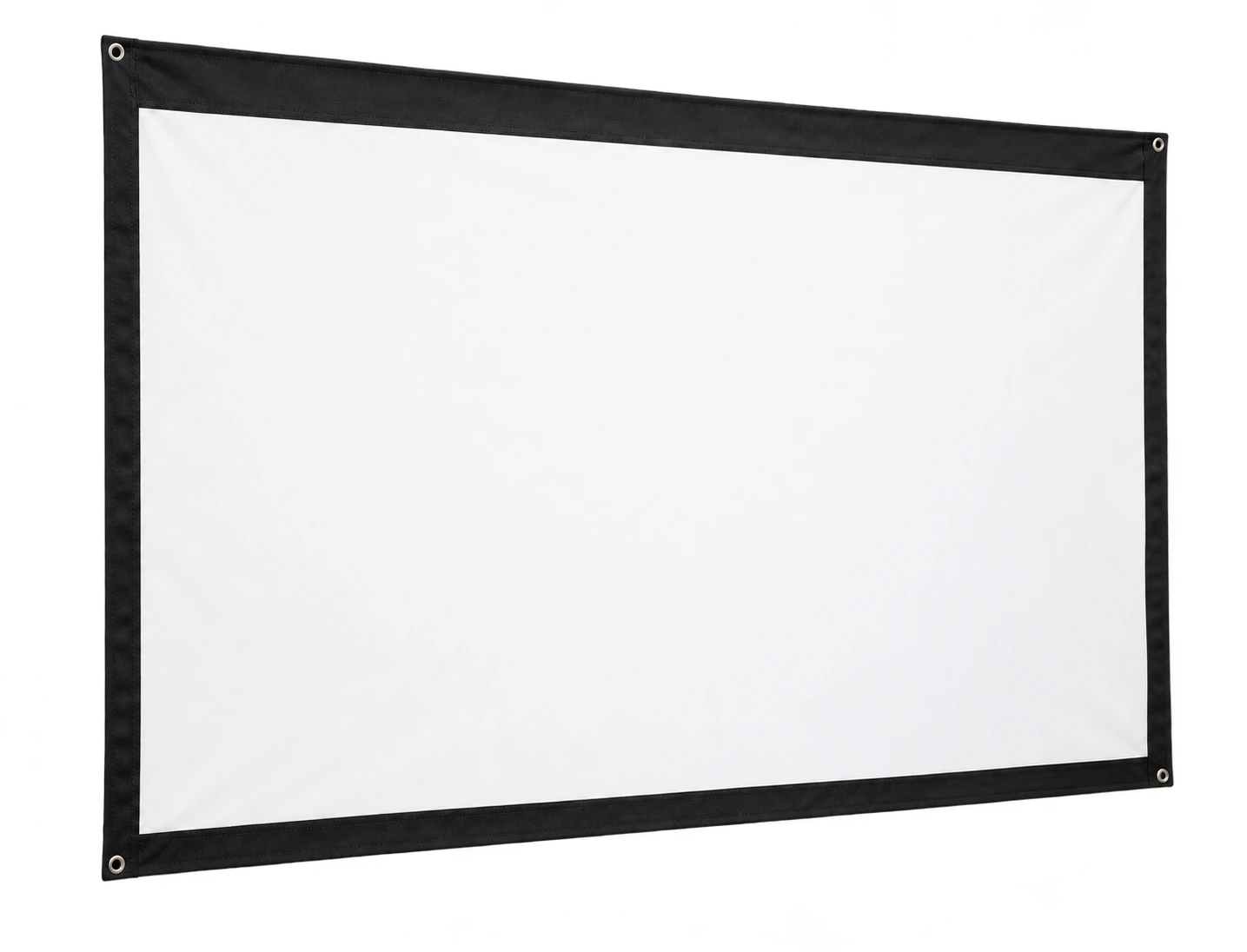
GOSPORTS / WIDE SCREEN
Wide Impact Screen
A wider impact screen for the matching GoSports ELITE net, sold separately. Confirm the exact net model and supplied attachment cords.
Wider projection surface
WITH SIDE NETS
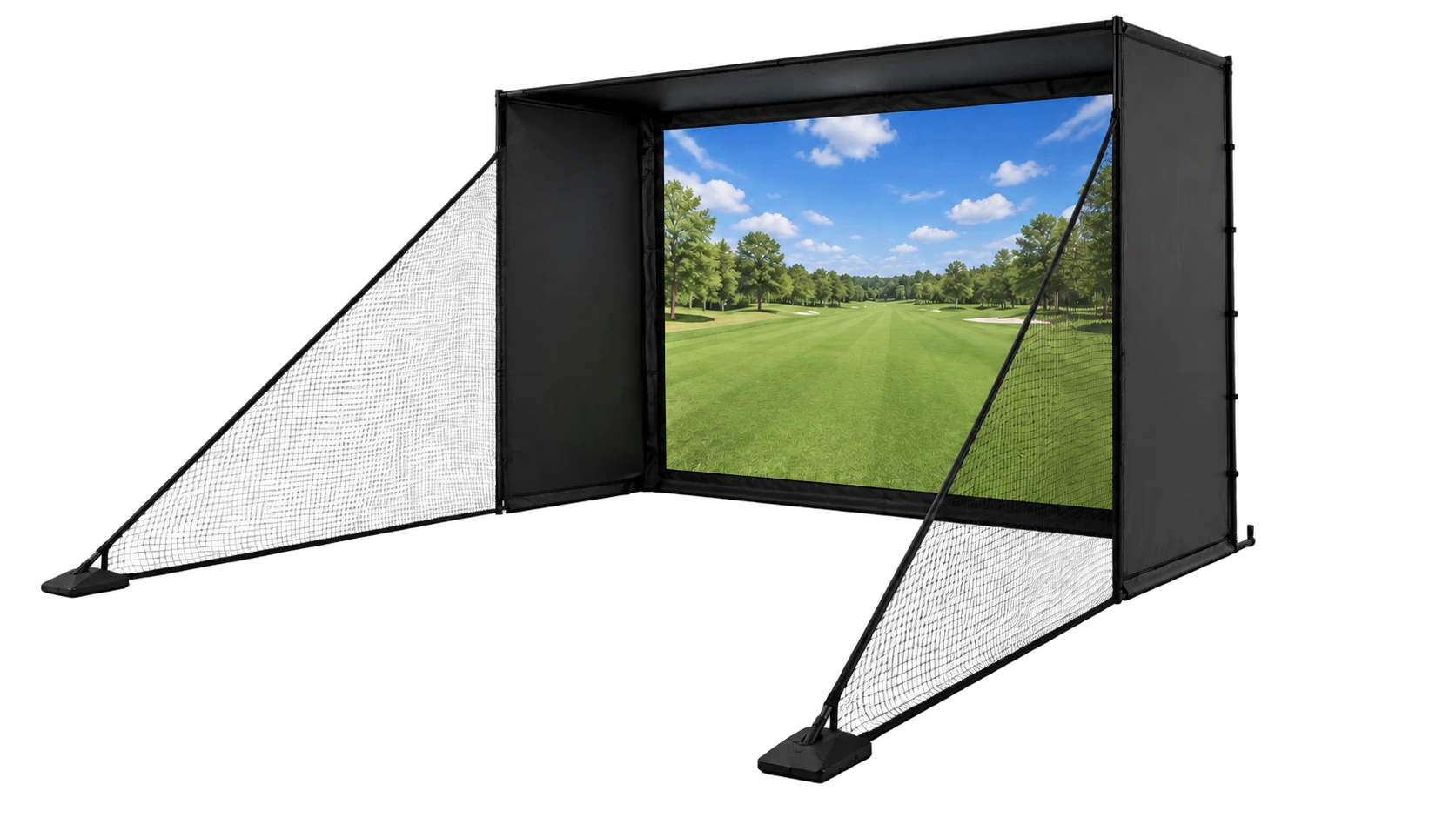
GOSPORTS / ENCLOSURE
Enclosure + Shank Nets
This separate kit adds ELITE shank nets to the enclosure, impact screen and padding. Allow extra floor space for the nets.
Added coverage at the sides
A screen is a projection surface. An enclosure adds a frame and containment. Neither is a complete simulator without the required technology.
02 / CHOOSE BY COMPONENT
One room.
Different decisions.
Start with the part the build actually needs.
THE ROOM LAB / TRY A DIFFERENT ANGLE
A little room.
A lot to play with.
Turn the bay, change the image shape and try a different finish. Watch how the same space takes on a different character.
A visual room study. Product dimensions, included parts and equipment fit still need a separate check.
03 / THE ROOM PLAN
The label is a starting point.
The tape measure decides.
Nominal model size, outer frame size and usable image area describe different things. Keep each measurement separate.
THE THREE MEASUREMENTS
Not to scale. Rear buffer, frame depth and the golfer’s swing area all use room space.
01
Measure the empty room
Record width, height and depth. Include ceiling beams, lights, doors and the height added by the hitting mat.
02
Check the exact frame drawing
Use outer dimensions for the selected size. Leave the rear buffer specified in the matching installation manual.
03
Match the image shape
A 16:9 image is wider than a 4:3 image at the same height. Check the usable screen area and projector throw together.
04
Plan the technology separately
Launch monitors have their own placement and space requirements. An enclosure’s dimensions alone do not confirm compatibility.
What width does the image need?
Uses visible image height only. Excludes borders, frame and buffers.
ABOUT CARL’S PLACE
04 / KNOW THE BRAND
The screen is
only the beginning.
Carl’s Place offers golf impact screens and DIY, Pro, Curved and Built-In enclosure systems. The product family helps separate a freestanding frame from a room-integrated build.
Screen material and finishing style are separate choices. The right combination depends on the projected image, mounting method and room layout.
Standard
Looser weave, heavy-duty polyester
Preferred
Tighter knit with silicone reinforcement
Premium
Layered construction with a noise-dampening center
05 / BEFORE THE BOX ARRIVES
Check the parts.
Then compare the kit.
| Build route | What to verify | What stays separate |
|---|---|---|
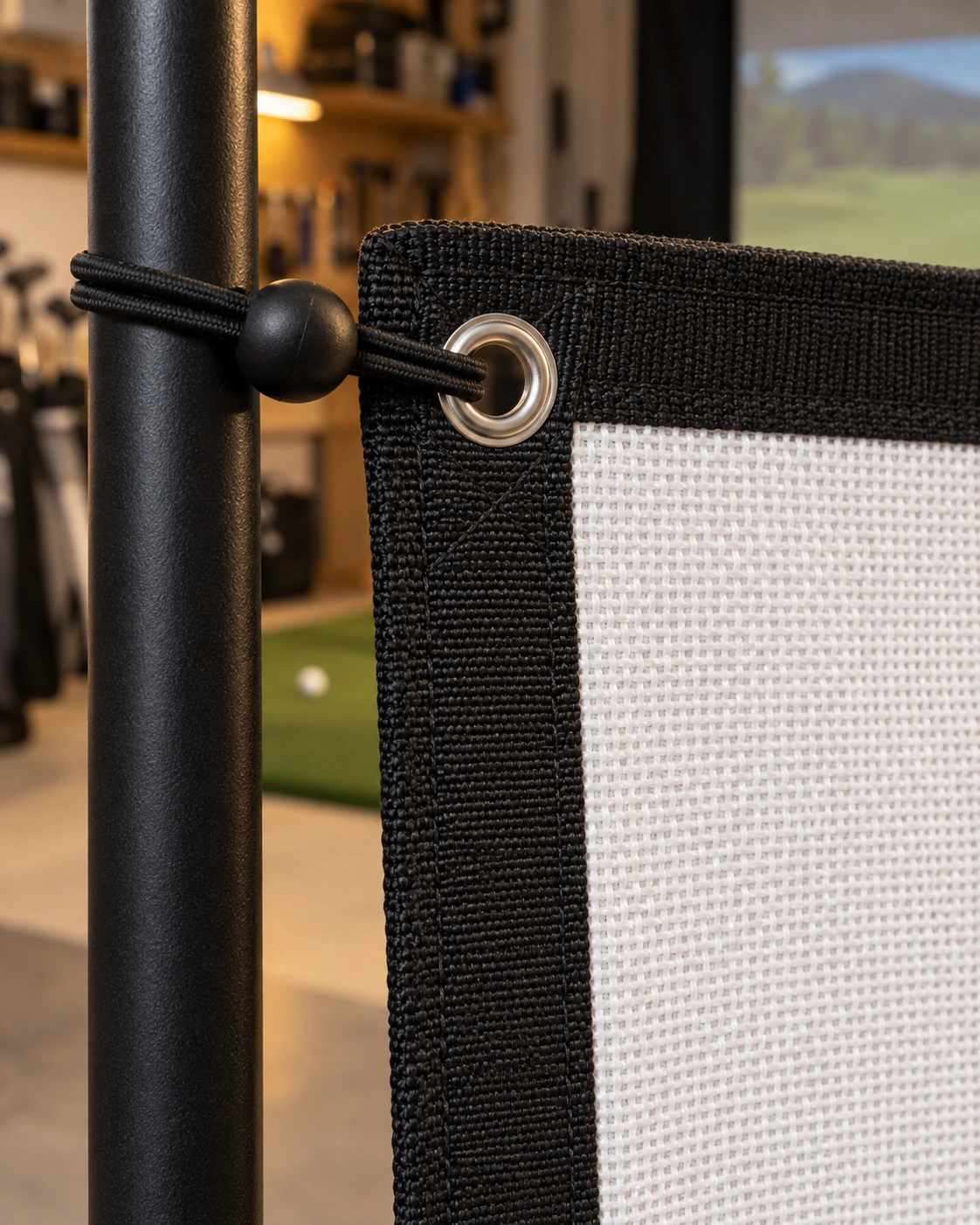
| Standalone screen | Actual size, edging, grommets and attachment points | Frame, containment and technology |
| Carl’s Place DIY | Matching assembly manual; whether a pipe framing kit was added | DIY requires its specified EMT pipe; pipe selection matters |
| Carl’s Place Pro | Selected frame size and depth; exact pipe kit and rear clearance | Pro requires its specified EMT pipe; DIY pipes do not substitute |
| GoSports alternatives | Exact kit and size; whether side nets are included | Projector and launch monitor |
06 / OWNER NOTES
What one build
can teach the next.
Observations from a Carl’s Place owner’s comparison of a smaller DIY/Standard setup and a larger Pro/Premium setup, posted in April 2024. These are individual observations about those builds.
01 / SCREEN BEHAVIOR
Quieter, with a qualification.
The owner found the Premium screen quieter and its rebound lower than the Standard screen. High, spinning shots could still rebound, and light behind the screen remained visible.
Carl’s Place Standard vs Premium
02 / ASSEMBLY TRADE-OFF
The larger frame took more work.
The owner managed the smaller DIY enclosure alone but found the Pro frame’s heavier pipes much harder to transport and install. Extra help and tools mattered.
Carl’s Place DIY vs custom Pro
07 / THE QUESTIONS THAT MATTER
Before
the first shot.
Practical answers for a screen-and-enclosure build.
THE DETAILS MAKE THE BUILD
Is an impact screen a complete simulator?
No. The screen receives the projected image and ball impacts. A simulator also needs a compatible launch monitor, software and viewing setup; a projected setup needs a projector.
Does every Carl’s Place enclosure kit include pipes?
Pipe framing kits are separate selections on DIY and Pro systems. Check the exact order contents and the matching assembly manual before sourcing or cutting EMT.
Can the GoSports screens replace a Carl’s Place screen?
No direct fit has been confirmed here. The selected screens are sized for specific GoSports ELITE nets. Screen dimensions alone do not confirm attachment, tension or frame compatibility.
Why does the advertised size differ from the screen?
A model name can describe a size class or matching net. The usable screen area can differ from both the advertised model size and the outer frame. Check the exact listing and installation drawing.
How much room is needed behind the screen?
Use the requirement in the exact kit’s manual. The screen needs room to move under impact; placing a wall or hard object immediately behind it can interfere with that movement.
Does the enclosure confirm projector or monitor compatibility?
No. Confirm projector throw and image ratio, monitor placement, supported software and device requirements individually. The enclosure supplies the physical bay.
THE NEXT
ROUND
01
YOUR ROOM.
YOUR PLAN.
FROM ROOM STUDY TO PARTS LIST
Keep the plan.
Choose the parts.
Screen first? Full enclosure? Compare the components that match the build.